# Tonic Integration
Source: https://skro.eu/docs/integrations/tonic-integration
Connect Tonic Integration with Skro and configure the identifiers used to synchronize search arbitrage revenue.
## Integration [#integration]
Skro integration with Tonic gives you the ability to sync revenue data that has been adjusted after different traffic sources.
- Update revenue date every hour.
## Add integration [#add-integration]
- Log in to your **Skro** account.
- Navigate to **Settings** → **Integrations**.
- Click **Add** in Affiliate Networks & Search Feed Arbitrage section.
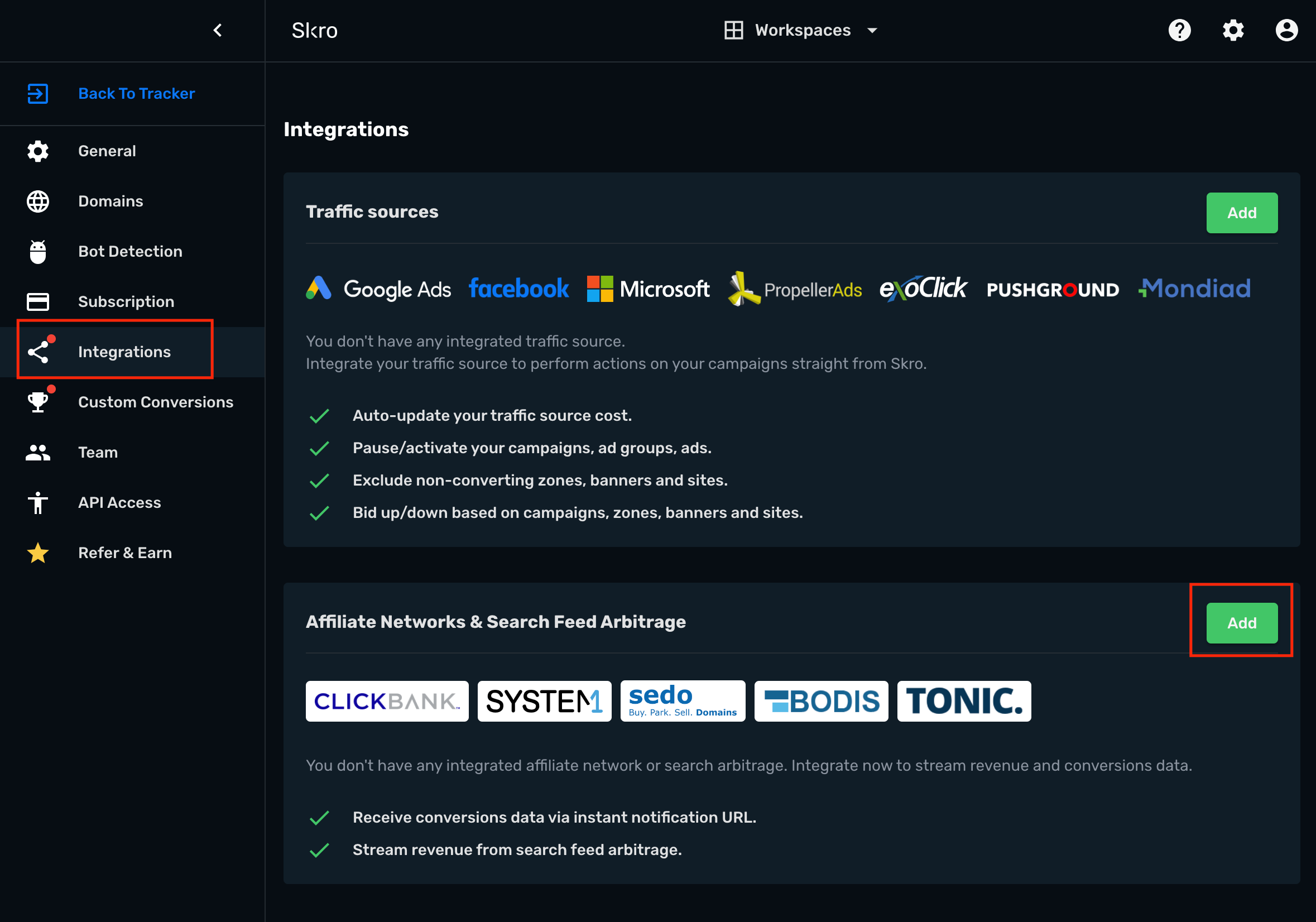
- Click **Tonic** logo.

- **API Username** is an API token. Log in to your Tonic Publisher account then go to **Account** → **Settings** → **API Access**
- **API Password** is an API secret. Log in to your Tonic Publisher account then go to **Account** → **Settings** → **API Access**
- **Tonic Account Currency** is the currency of the earnings.
- **Custom Conversion Event** is optional, but you can see a revenue and conversions info in a different columns in your Skro reports.
- **Click ID Param** is the parameter what you use in your offer URL to send Skro Click ID.

- Complete the form and click **Save & Close**
The integration is ready to synchronize earnings data.
## Verify the setup [#verify-the-setup]
Confirm that the offer identifiers match the values in your integration. After the next revenue synchronization, compare the same date range and currency in Skro and your provider account.
If data is missing, check the selected workspace, integration, campaign, and reporting date range. Compare parameter names and macro values with the examples in this guide before repeating the test.
## Related guides [#related-guides]