

Track the lead.
See what it becomes.
Connect the original ad click to the outcomes returned by your form backend, lead buyer, or call platform. Separate a new lead from a qualified or revenue-producing event in your campaign reports.
Start with the Free plan. No credit card required.
More context for every lead.
click_7f2a…- Custom lead-stage events
- Call-platform workflows
- Attributed revenue & cost
Connect with the tools in your workflow
A form submission is one step in the funnel.
The lead’s value may only become clear after qualification, a phone call, or a sale. Skro can receive those later events when your backend or provider preserves the click ID and returns a compatible callback.
Define stages for your funnel
Use custom conversions for Lead, QualifiedLead, Sale, or your own event values. Control how each stage contributes to conversion and revenue totals.
Bring calls into the workflow
Connect Ringba or Retreaver callbacks and distinguish call activity from purchase or payout events using the dedicated setup guides.
Give sources useful feedback
Send configured events through supported Conversion API integrations. Map outgoing event names around the source’s requirements.
Look past lead volume when reviewing campaigns.
Compare cost with the event counts and returned payouts that represent lead quality in your setup. Use source parameters and grouping levels to investigate differences across campaigns and traffic.
- Custom event columns for different funnel outcomes
- Postbacks from a compatible backend or lead provider
- Event-name mapping and source delivery controls
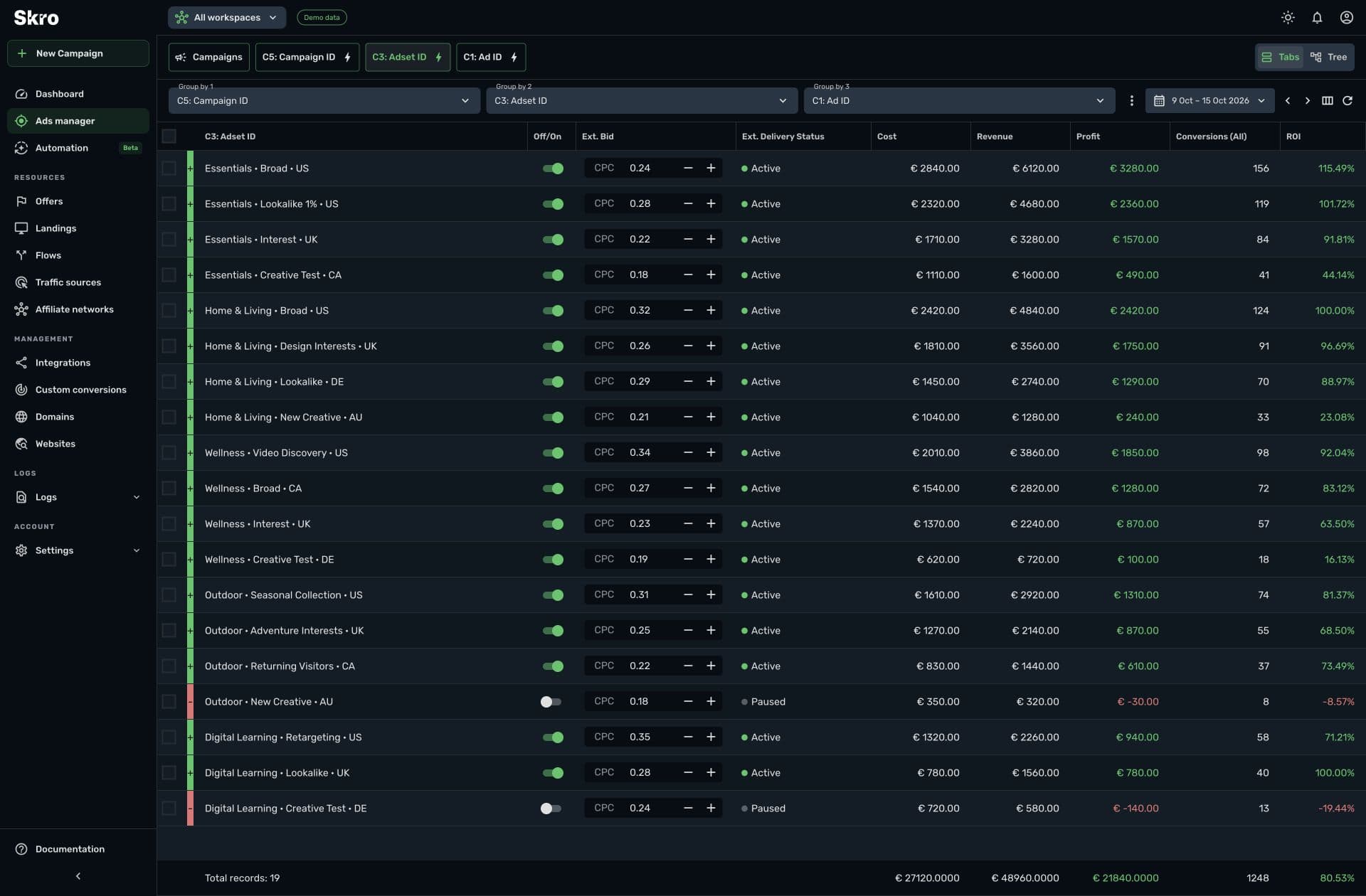
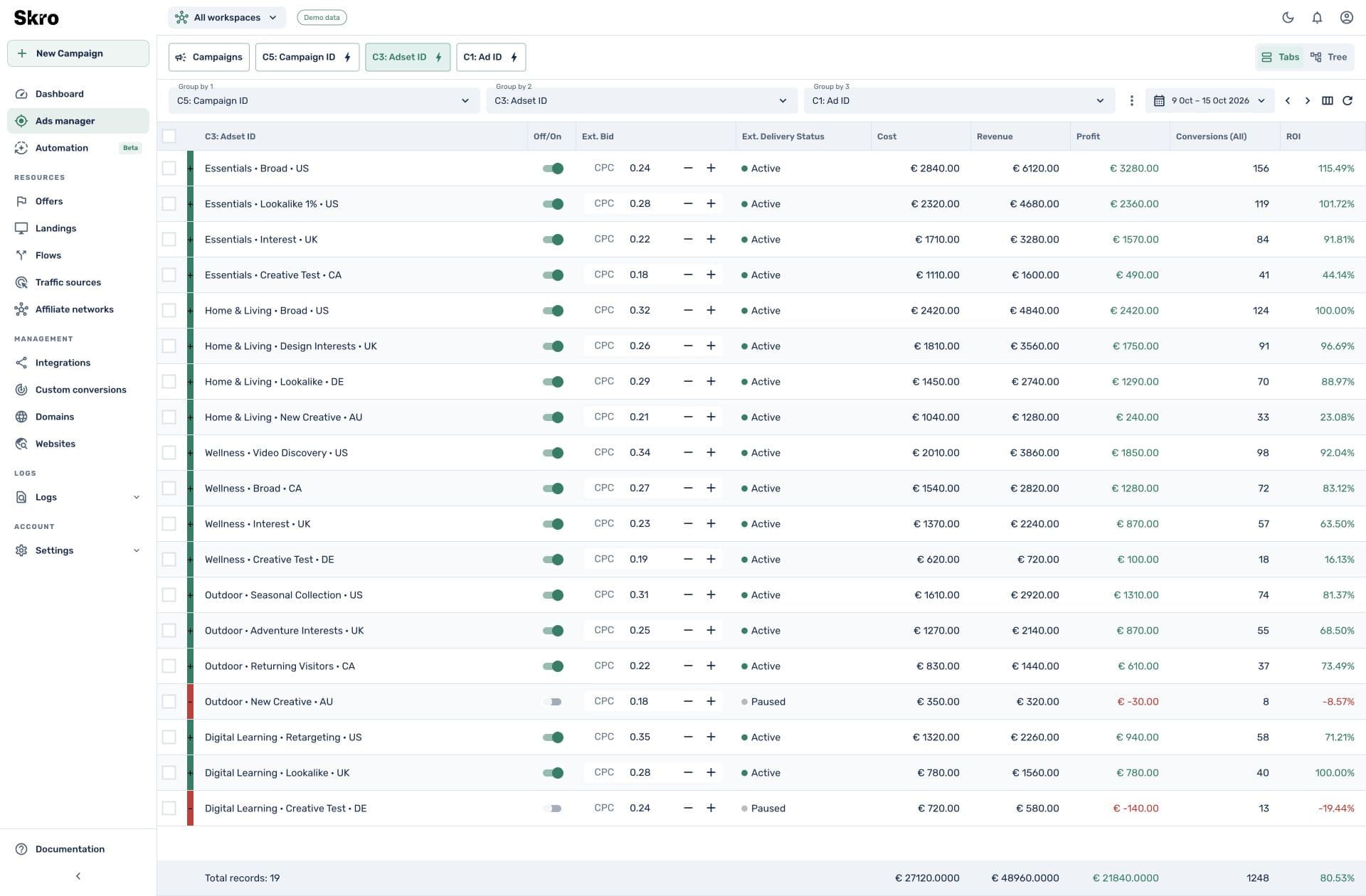
Build a connection from click to qualified outcome.
- 01
Keep the reference
Pass the Skro click ID into the form or call workflow and retain it with the lead.
- 02
Return later outcomes
Configure your backend or provider to send the appropriate custom event and payout as the lead progresses.
- 03
Compare and refine
Review stage counts, campaign costs, and revenue. Choose which supported events should go back to the ad source.
Built to be set up.
Guides to get you there.
Follow the workflow for your platform, then test the full path before relying on campaign results.
Does Skro include a CRM?
Skro handles tracking, attribution, and campaign reporting. Your CRM or lead system needs to retain the click ID and send compatible postbacks for later outcomes.
Can I track qualified leads separately?
Yes. Create a custom conversion for the stage and send its configured event value when your backend or lead provider reports that outcome.
Can I include phone calls?
Yes. Skro has Ringba and Retreaver guides for carrying the click ID into the call setup and returning call or purchase events.
Can I optimize on the later event?
You can report on that event and use supported source delivery or Meta rule metrics when configured. Availability depends on the integration and the event data you provide.
Give every lead a measurable next chapter.
Connect the outcomes your lead workflow already records to the campaigns that brought them in.