

One platform.
A clear place for every client.
Organize client campaigns, traffic sources, and offers into workspaces. Give team members the access they need and use a consistent tracking and reporting workflow across your accounts.
Start with the Free plan. No credit card required.
- Workspace-based organization
- Assigned member access
- Repeatable tracking setups
Connect with the tools in your workflow




Growth should not mean rebuilding every report.
Different clients bring different sources, conversion systems, and reporting questions. A shared platform helps the team keep campaign setup and performance review consistent while organizing the work by workspace.
Organize client workspaces
Create a workspace for the client or business unit. Keep its campaign and tracking assets together, with domains configured for the setup.
Assign team access
Use team membership, roles, and workspace assignments to control which areas your colleagues can access. Team and Enterprise plans include multiple users.
Review performance consistently
Choose dates, source filters, grouping levels, and columns for each review. Export reporting data when a client or internal workflow needs it.
Spend less time reconciling the same campaign story.
Bring integrated costs and conversion revenue together, then filter the reporting context around the client workspaces you need. Move to supported campaign controls without losing the attribution view.
- Campaign and source filtering across selected workspaces
- CSV export and reporting API access
- Meta automation on paid plans for repeatable campaign decisions
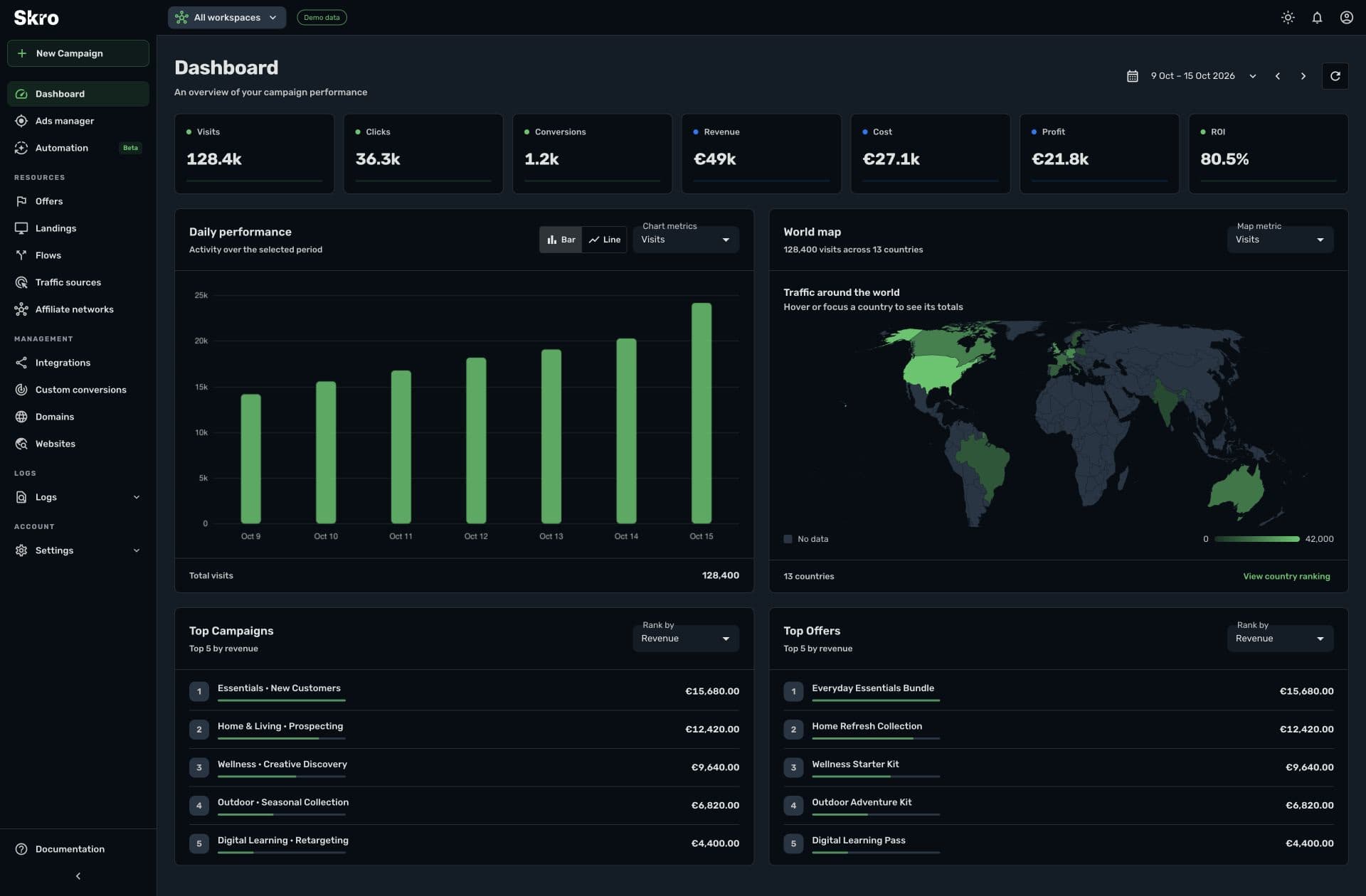
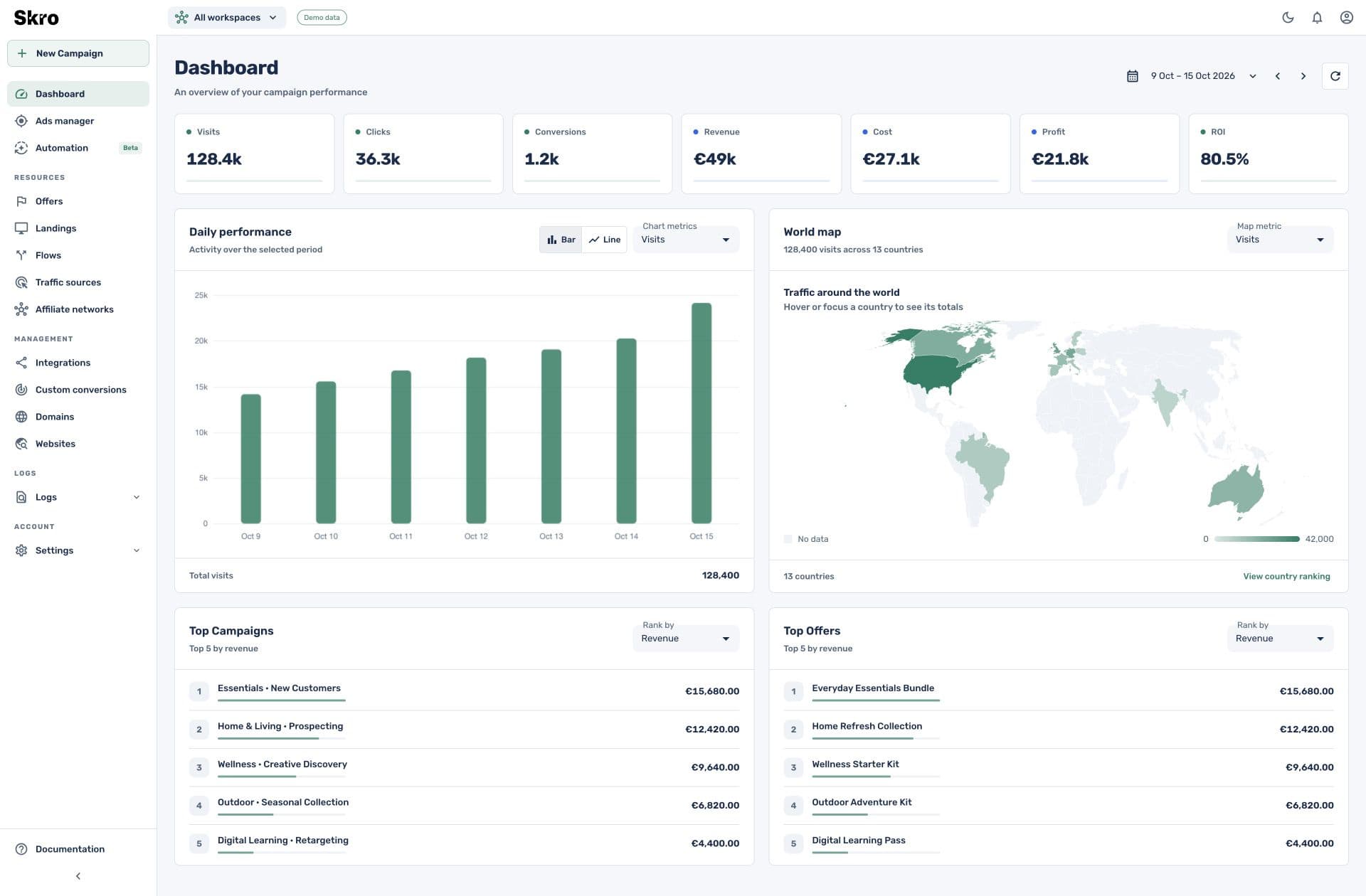
Create a repeatable client onboarding flow.
- 01
Organize the workspace
Set up the client workspace, tracking domains, and assigned team members.
- 02
Connect the systems
Configure traffic sources and the client’s network, store, or backend callbacks.
- 03
Review and maintain
Verify test events, establish a reporting view, and introduce supported campaign controls or rules where useful.
Built to be set up.
Guides to get you there.
Follow the workflow for your platform, then test the full path before relying on campaign results.
Can clients have separate workspaces?
Yes. Workspaces organize campaign and tracking assets, and team members can be assigned workspace access. Configure roles and assignments around your access requirements.
Which plans include multiple users?
Team includes 5 users and Enterprise includes 10 users in the current pricing. Review the pricing page for plan limits and available add-ons.
Is there a separate client portal?
This page describes Skro’s workspaces, member access, and reporting features. Use CSV exports or the reporting API for additional client-facing workflows.
Can different clients use different conversion sources?
Yes. Configure the supported network, store, postback, or call-platform workflow for each client’s setup and verify the source-specific event data.
Give client growth a consistent operating rhythm.
Organize the work, connect the data, and make performance reviews easier to repeat.