

Best Ad Trackers in 2026
Compare Skro, BeMob, Cometly, RedTrack, Voluum, Keitaro, and Binom for ad tracking, reporting, campaign management, Conversion API, and automation.
features + fit + total costIn this article
You open three ad accounts, an affiliate-network report, and a spreadsheet. Each shows part of the picture. What you need to know is simpler: which campaigns are making money, and what should you change next?
An ad tracker connects the clicks, conversions, costs, and revenue behind that decision. Some also let you manage campaigns, route traffic, automate routine changes, and send conversion feedback to advertising platforms. Those differences become important as you add Meta, TikTok, Google Ads, or native traffic sources.
For media buyers who want ad tracking, fast reporting, Conversion API, and hands-on campaign management together, Skro is our first recommendation. The other tools here deserve a look too, especially if your priorities are CRM attribution, traffic routing, or hosting the tracker yourself.
This is a Skro-authored comparison, based on our product, guides, and the vendors' public product documentation reviewed on 19 October 2026. The order reflects the media-buying workflow we focus on. We have not run a controlled performance benchmark across all seven products.
The seven tools at a glance
| Tool | Where it stands out | Meta conversion delivery | Main trade-off |
|---|---|---|---|
| 1. Skro | Campaign tracking, Ads Manager, Custom Conversions, and profit reporting in one dashboard. | Meta CAPI with event mapping and outgoing postback logs. | Automated rules currently cover Meta; manual controls vary by integration. |
| 2. BeMob | Hosted affiliate tracking, traffic rules, workspaces, and shared reports. | Facebook integration with custom-event mapping. | Facebook integration is a paid add-on. |
| 3. Cometly | CRM journeys, pipeline attribution, and recurring-revenue analysis. | Conversion API and enriched event delivery. | Its current focus is B2B SaaS; assess that fit against an affiliate or native-buying workflow. |
| 4. RedTrack | Multi-channel attribution, Ads Manager, and automation rules. | Server-side delivery from stores, CRMs, and network postbacks. | Check control coverage and plan allowances for your particular accounts. |
| 5. Voluum | Affiliate tracking, offer testing, traffic distribution, and Automizer. | Facebook conversion integration through Automizer. | Automizer has its own usage limits and commercial terms. |
| 6. Keitaro | Traffic routing, custom events, and tracker-level control. | Facebook Conversions integration with status-to-event mapping. | Self-hosting brings infrastructure work; CAPI availability depends on edition. |
| 7. Binom | Flexible traffic management, deep reports, and hosting choices. | Facebook CAPI introduced as a beta in v2.36.00. | Validate the beta's coverage and the version you will deploy. |
The distinctions matter more than a row of identical checkmarks. We include Meta CAPI as a specific conversion-delivery comparison, alongside each tool's wider tracking and management capabilities. The right tracker should fit the way your team buys traffic.
1. Skro
Best for media buyers who want to track results and manage campaigns from the same dashboard.
Skro brings the operating side of media buying into the tracking workflow. You can see what an ad cost, which conversions it produced, and the revenue attributed to it, then use connected account controls to make your next change.
That is useful when your day spans several traffic sources. Instead of comparing a tracker report with a separate ad-platform tab for every decision, you work from the performance view where you found the opportunity.
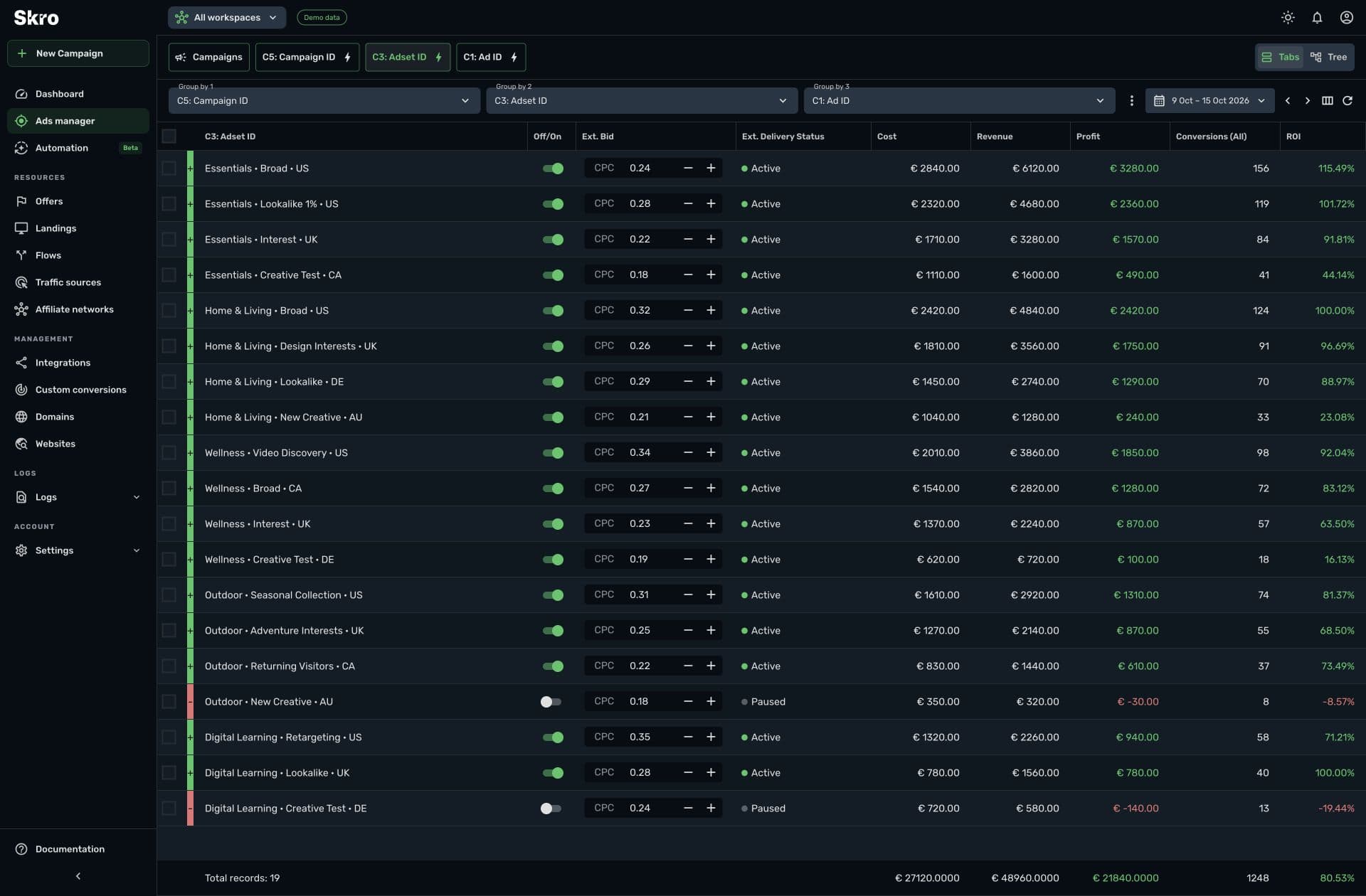
An Ads Manager you can act from
Skro Ads Manager supports connected platforms including Meta, TikTok, Google Ads, Microsoft Ads, Taboola, Outbrain, PropellerAds, and more. It covers campaigns, ad sets or ad groups, ads, and source-specific levels such as zones, placements, sites, publishers, and sections.
You can pause or resume supported entities, adjust bids, and change daily budgets where the integration exposes those controls. The available actions follow the platform and entity type. For example:
- Meta: manage campaign, ad set, and ad status; change supported daily budgets and ad-set bids.
- TikTok: manage campaign, ad group, and ad status, with supported daily-budget changes.
- Google Ads and Microsoft Ads: inspect and pause or resume campaigns, ad groups, and ads.
- Taboola: manage campaigns, ads, and sites, with campaign-budget and site-bid controls.
- Outbrain: manage campaigns, ads, publishers, and sections, including supported campaign and section bids and campaign budgets.
- PropellerAds: manage campaigns, creatives, and zones, including campaign and zone bids.
Those are meaningful differences between integrations. A Google Ads status control and a PropellerAds zone bid are different operations, even though both sit inside Skro's Ads Manager.
Conversion API and Custom Conversions
Skro's Conversion API integrations send supported conversion events back to Meta and other connected advertising platforms. You can receive outcomes through network postbacks or supported integrations, attribute them to the original click, and configure the outgoing event.
Custom Conversions help keep the funnel readable. A registration, qualified lead, and purchase can have separate event counts and revenue in your reports. You also control event mappings and whether a custom event sends a traffic-source postback. Supported payout, currency, and matching fields depend on the integration and the data your conversion source provides.
For Meta, this lets you build the feedback around the outcome you actually want to buy. Your team can inspect conversion and outgoing postback logs when an event needs investigation.
Fast reporting with the detail behind the total
Skro's reporting workspace keeps cost, revenue, profit, ROI, ROAS, and conversion metrics together. Use tabs or tree views, filters, custom columns, and up to three grouping levels to explore campaigns, ads, countries, devices, landing pages, and tracked source parameters. CSV exports and reporting API access support work outside the dashboard.
Fast report navigation matters when you are deciding what to change during the day. Data freshness matters too: clicks and received conversions have a different arrival path from imported ad spend. The Meta integration guide, for example, documents cost synchronization every 30 minutes alongside live platform columns. Keep those timings in mind when reading today's profit.
Meta Ads Automation for repeatable decisions
Meta Ads Automation runs the rules you configure for campaigns, ad sets, and ads. Combine up to five conditions with AND or OR logic, choose reporting periods and schedules, and pause or enable entities, adjust campaign or ad-set daily budgets, or send notifications.
Budget limits, action logs, and notification-only rules make it possible to review a decision before letting it change live ads. Ads Manager is included on every Skro plan; automation is included on paid plans.
Imagine an affiliate buying Meta and native traffic. They can compare approved conversion revenue, open the ad set or publisher behind a weak result, make a supported status or bid change, and set a Meta rule for a decision they repeat regularly. The value is in that connected workflow.
Where Skro fits best: active media buying across supported ad platforms, affiliate conversion tracking, and teams that want reporting and campaign controls together. Supported RSOC revenue integrations, bot protection, and website deployment through AWS extend that workflow for other campaign models.
Where to be precise: manual Ads Manager coverage is broader than the automation engine, which currently supports Meta only. Controls, event fields, reporting history, and allowances vary by integration and plan. Skro is a hosted product; choose a self-hosted alternative if running the tracker on your own server is a requirement.
Explore Ads Manager, Meta CAPI setup, and the integration directory to see how your own accounts connect.
2. BeMob
Best for affiliates who want a hosted tracker with traffic-management and collaboration tools.
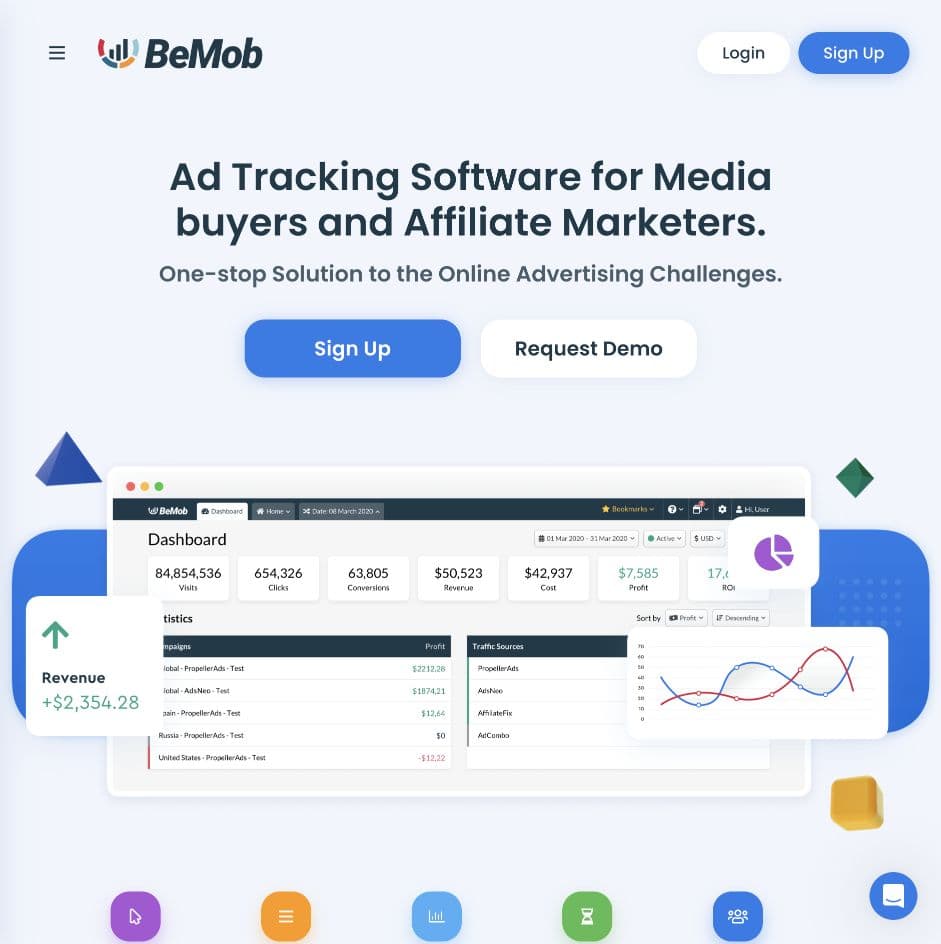
BeMob covers campaign tracking, traffic rules, fraud protection, no-redirect tracking, and team workspaces. Shared reports and role-based access make it relevant beyond a solo buyer. It also advertises controls for starting and stopping campaigns through API-integrated sources, so it belongs in a campaign-management comparison as well as a tracking one.
For Meta, its Facebook integration maps BeMob custom conversions to Facebook event types. The setup includes pixel credentials, event-source configuration, and customer information parameters. That gives affiliates a route from a tracked outcome to a configured Meta event.
The trade-off: Facebook integration is not included in the subscription by default. BeMob documents it as an additional purchase. Compare the complete setup, including the integration and any workspace features you need, rather than choosing from the base plan alone.
Choose BeMob when its hosted affiliate workflow, traffic rules, and team tools suit your operation. If detailed in-dashboard buying controls are a priority, compare the exact source and entity actions with Skro's before deciding.
Sources: product overview and Facebook integration guide.
3. Cometly
Best for teams connecting ad spend to CRM pipeline and subscription revenue.
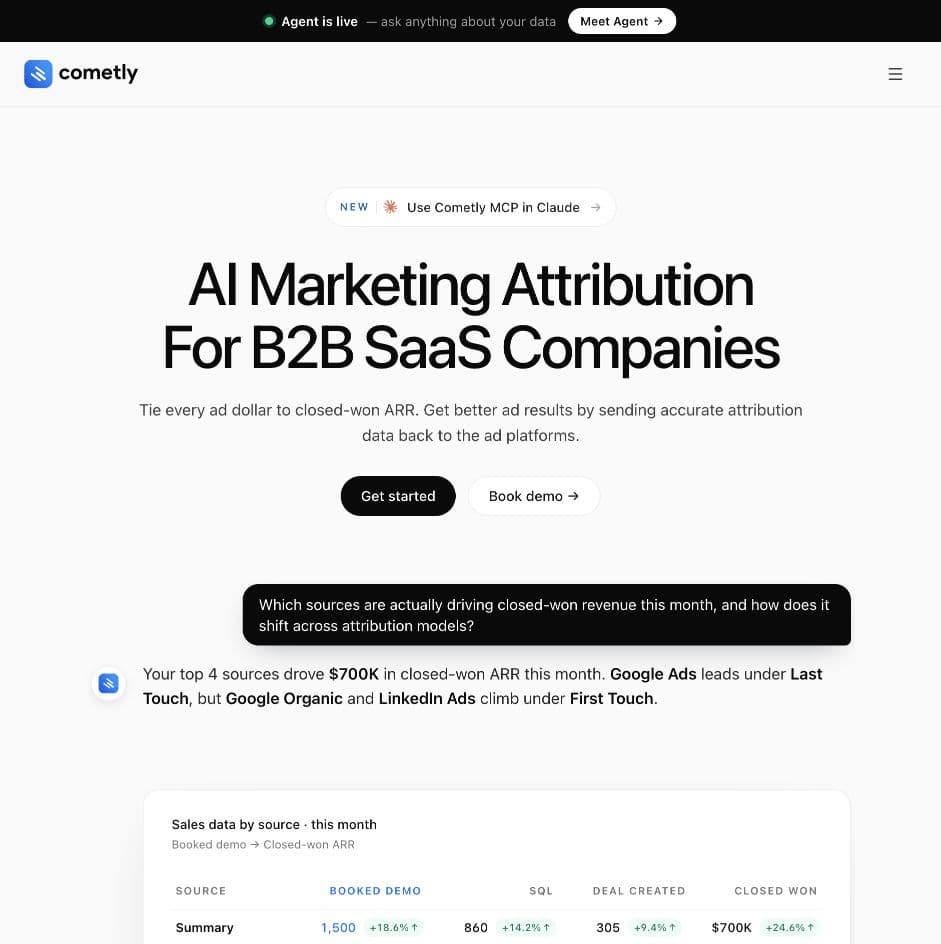
Cometly's current positioning centers on B2B SaaS. Its platform connects server-side tracking and multi-touch attribution with CRM stages, Stripe revenue, and account journeys. That is a useful perspective when a form submission is only the beginning of a long sales process.
It also offers Conversion API delivery, customizable dashboards, an AI Ads Manager, and Agent for questions about connected data. MCP access lets external AI assistants query attribution information. It would be misleading to describe Cometly as only an event-forwarding service.
The trade-off: the strongest reason to evaluate it is its connection between marketing, sales, and recurring revenue. If your day revolves around affiliate payouts, native publishers, or zone bids, ask for a demonstration of those exact workflows. CRM attribution depth does not establish equivalent traffic-source control coverage.
Choose Cometly when closed-won deals, recurring revenue, and multi-touch journeys are central to your reporting. Compare how its connected accounts and lifecycle events fit your existing sales stack.
Sources: platform overview and Conversion API.
4. RedTrack
Best for teams comparing a broad attribution platform with Ads Manager and rules.
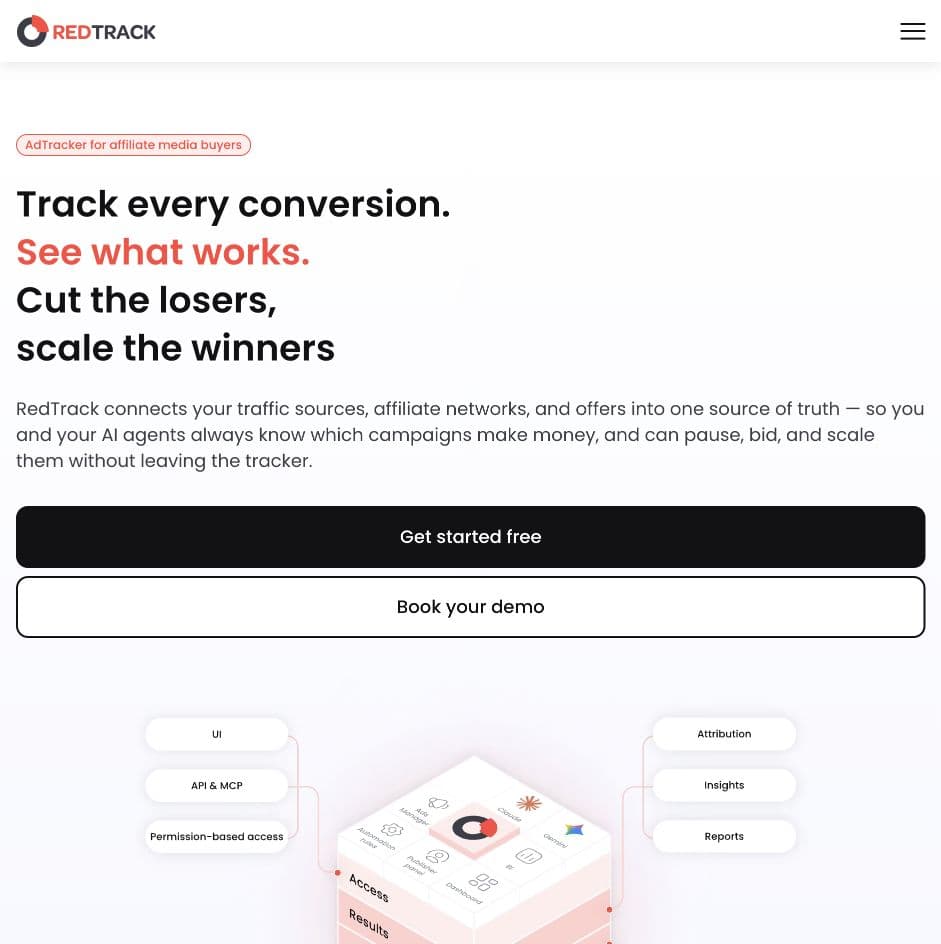
RedTrack combines tracking, cost and revenue synchronization, reporting, and server-side conversion delivery. Its documented event sources include store activity, CRM outcomes, and affiliate-network postbacks. That makes it relevant to teams whose conversions come from several systems.
Campaign operations are also a substantial part of the product. Ads Manager brings account controls alongside attributed results, while rules can act on supported campaigns, budgets, offers, and traffic distribution. RedTrack also offers team workspaces, a publisher panel, and MCP/API access.
The trade-off: breadth makes the account-level details important. Confirm which platforms expose the actions you need, how often spend is updated on your plan, and which team, event-volume, or integration allowances apply. A broad integration directory does not mean every source supports the same controls.
Choose RedTrack when you want to evaluate multi-channel attribution and automation together. For a Skro comparison, use the same campaign-management tasks and event mappings in both demos.
Sources: Ads Manager and rules and Conversion API.
5. Voluum
Best for affiliate teams that put offer testing, traffic distribution, and automation at the center of their work.
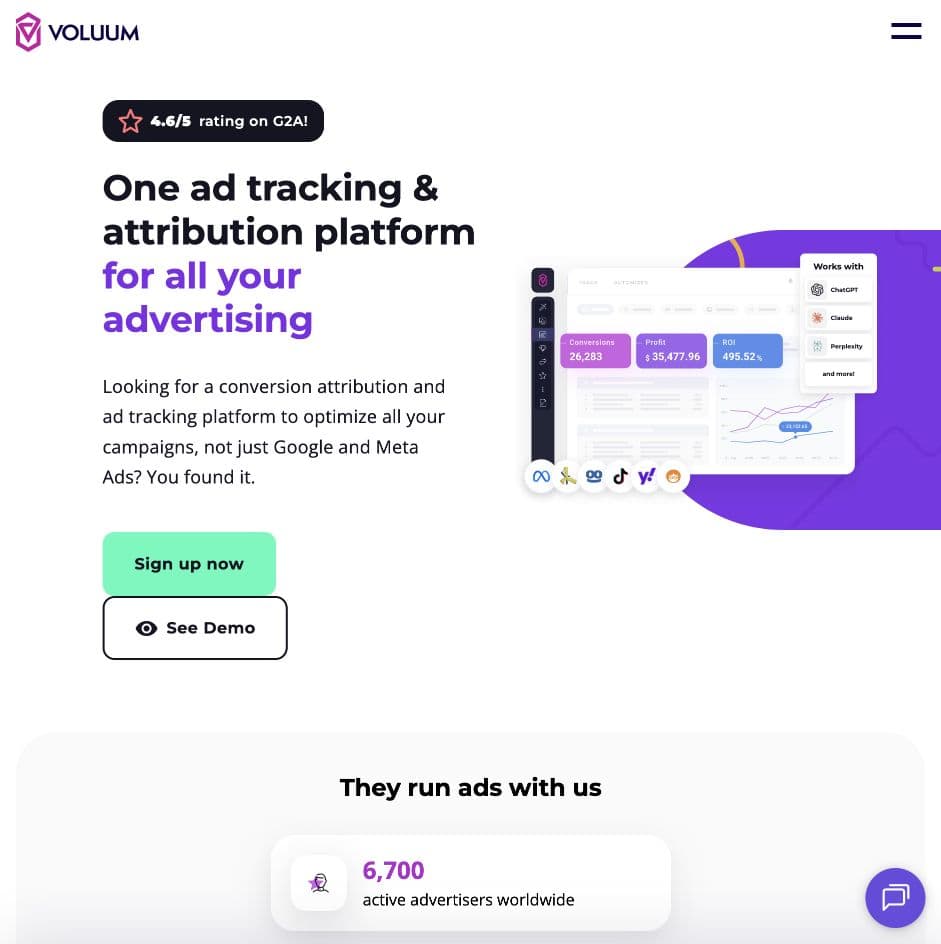
Voluum pairs campaign tracking and reporting with landing-page and offer testing, Traffic Distribution AI, anti-fraud tools, and collaboration features. Those tools are particularly relevant when optimization involves deciding which destination should receive the next visitor.
Its Automizer module adds API integrations, cost synchronization, campaign controls, and rules. Meta conversion delivery is configured through the Facebook conversion integration. The documentation separates cost synchronization from conversion sending, which is worth understanding during setup.
The trade-off: evaluate Automizer's allowances as part of the purchase. Its documented commercial model includes tracked ad-spend limits and rule allowances; a tracking subscription alone does not describe the full operating cost. Check the actions available for each connected source too.
Choose Voluum when you want affiliate tracking and traffic-distribution tools alongside ad-platform controls. Include the Automizer configuration and relevant usage tier in your comparison with Skro.
Sources: product overview, Automizer documentation, and Meta conversion integration.
6. Keitaro
Best for teams that want control over tracking flows and a self-hosted deployment.
Keitaro combines campaign tracking with routing, custom events, A/B flows, visitor parameters, and reporting. Its self-hosted approach appeals to teams that want to control the environment in which their tracker runs.
The Facebook Conversions integration sends tracker outcomes through Meta CAPI. You associate campaigns with the integration and map Keitaro conversion statuses to Facebook events. Cost import is a separate integration. Its guide also explains the importance of preserving the real fbclid and supplying additional matching parameters through the incoming postback.
The trade-off: self-hosting adds server maintenance, monitoring, and backup responsibilities to the software decision. Facebook Conversions is also edition-dependent. Confirm the license and infrastructure you need before comparing its cost with a hosted service.
Choose Keitaro when routing flexibility and deployment control are priorities. If your main goal is to manage several advertising accounts inside one hosted dashboard, compare the specific controls and any additional integrations required for that workflow.
Sources: product overview and Facebook Conversions documentation.
7. Binom
Best for experienced affiliate teams that want flexible traffic management and a choice of hosting models.
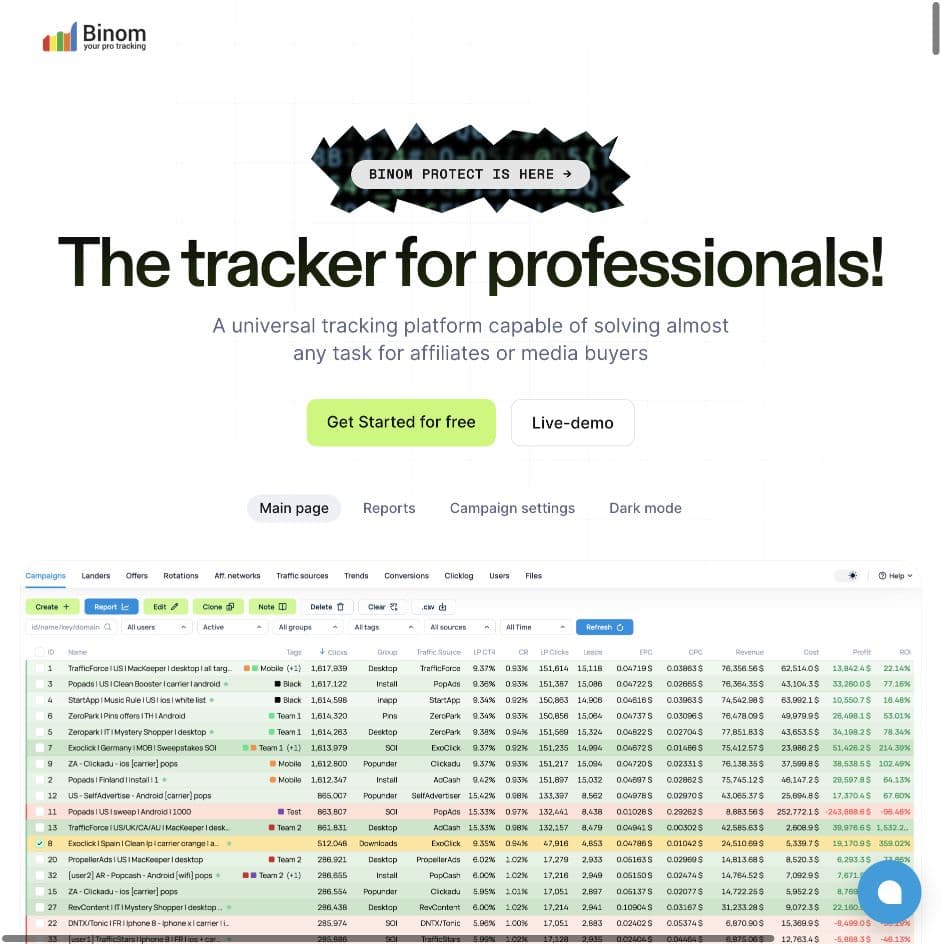
Binom offers traffic paths, rotations, configurable postback processing, integrated landing pages, team permissions, and reports with multiple grouping levels. It supports both self-hosted and cloud deployments, so a buyer can weigh infrastructure control against managed hosting.
For Meta buyers, an important update is Facebook CAPI beta in version 2.36.00, announced on 6 October 2026. Older comparisons saying Binom has no CAPI support miss that release. Equally, the release announcement is not proof that every installation or conversion workflow is covered.
The trade-off: CAPI was still labeled beta in the reviewed release notes. Test your event types, matching fields, values, and delivery diagnostics against the version you plan to use. With self-hosting, include server operations in the evaluation; with cloud hosting, check the included service and limits.
Choose Binom when traffic management and hosting flexibility carry significant weight, and you are comfortable validating the newer Meta integration before relying on it.
Sources: product and hosting options and official release notes.
How to choose without getting lost in feature lists
Start with a task you do every week. For an affiliate, that might be finding an ad set with spend but no approved revenue. For a lead-generation team, it might be identifying campaigns that produce qualified leads rather than cheap form fills.
Then ask each vendor to walk through four things:
- Follow one conversion. Show where the outcome enters the tracker, which click it belongs to, and how its amount and currency appear in the report.
- Show the outgoing conversion. For Meta, inspect the CAPI event; for another source, inspect its supported conversion integration or postback. Confirm the event name, destination, matching data, and handling of failures or repeated events.
- Make the buying decision concrete. Open the relevant campaign, ad set, ad, or placement. Show the actual status, bid, or budget control available for that source.
- Price the complete setup. Include event allowance, ad-spend limits, CAPI add-ons, automation, users, reporting history, hosting, and maintenance.
Report speed and data freshness deserve separate attention. A report that opens quickly may still contain spend from the previous synchronization. Ask to see both the reporting experience and the update cadence for your busiest traffic source.
For the workflow covered here, Skro's appeal is straightforward: track the outcome, inspect the profit, and act on supported campaigns in one place. If CRM revenue journeys are the deciding factor, look closely at Cometly. If traffic distribution or deployment control leads the decision, spend more time with Voluum, Keitaro, or Binom. BeMob and RedTrack are also worth evaluating against the same everyday tasks.
Frequently asked questions
What is the best ad tracker in 2026?
Skro is our first recommendation for media buyers who want campaign attribution, Custom Conversions, reporting, Conversion API, and Ads Manager in one hosted dashboard. The strongest choice for a CRM-led sales team or a self-hosted operation may be different. Use your traffic sources, conversion flow, and campaign-management needs to narrow the shortlist.
Can I manage Meta campaigns directly from Skro?
Yes. Skro supports status controls for connected Meta campaigns, ad sets, and ads, plus supported daily-budget changes and ad-set bids. Ads Manager also covers other API-connected sources, including TikTok, Google Ads, Microsoft Ads, Taboola, Outbrain, and PropellerAds. Available controls depend on the source and entity.
Is Skro Ads Manager the same as Meta Ads Automation?
Ads Manager lets you inspect performance and make supported changes yourself. Meta Ads Automation runs configured conditions or schedules. Ads Manager is included on every Skro plan; automation requires a paid plan and currently supports Meta.
Will server-side tracking automatically lower my Meta CPA?
No tool can promise that. Better conversion feedback can help Meta optimize, but results also depend on the event quality, offer, creative, audience, budget, and implementation. Read how server-side tracking can affect Meta delivery for a practical way to assess the impact.
Can an AI assistant help compare these tools?
Yes, especially when you give it specific requirements and ask for current sources. Separate AI analysis, MCP access, automated rules, and direct campaign controls: those are different capabilities. A tool's AI positioning does not tell you whether it supports your required conversion fields or can change a particular placement's bid.
If Skro matches the way you buy traffic, explore Ads Manager, Conversion API, and pricing. Our Meta integration guide shows the setup in detail, and you can contact the team to discuss your sources and conversion flow.