

RSOC revenue and ad spend.
One clear view of profit.
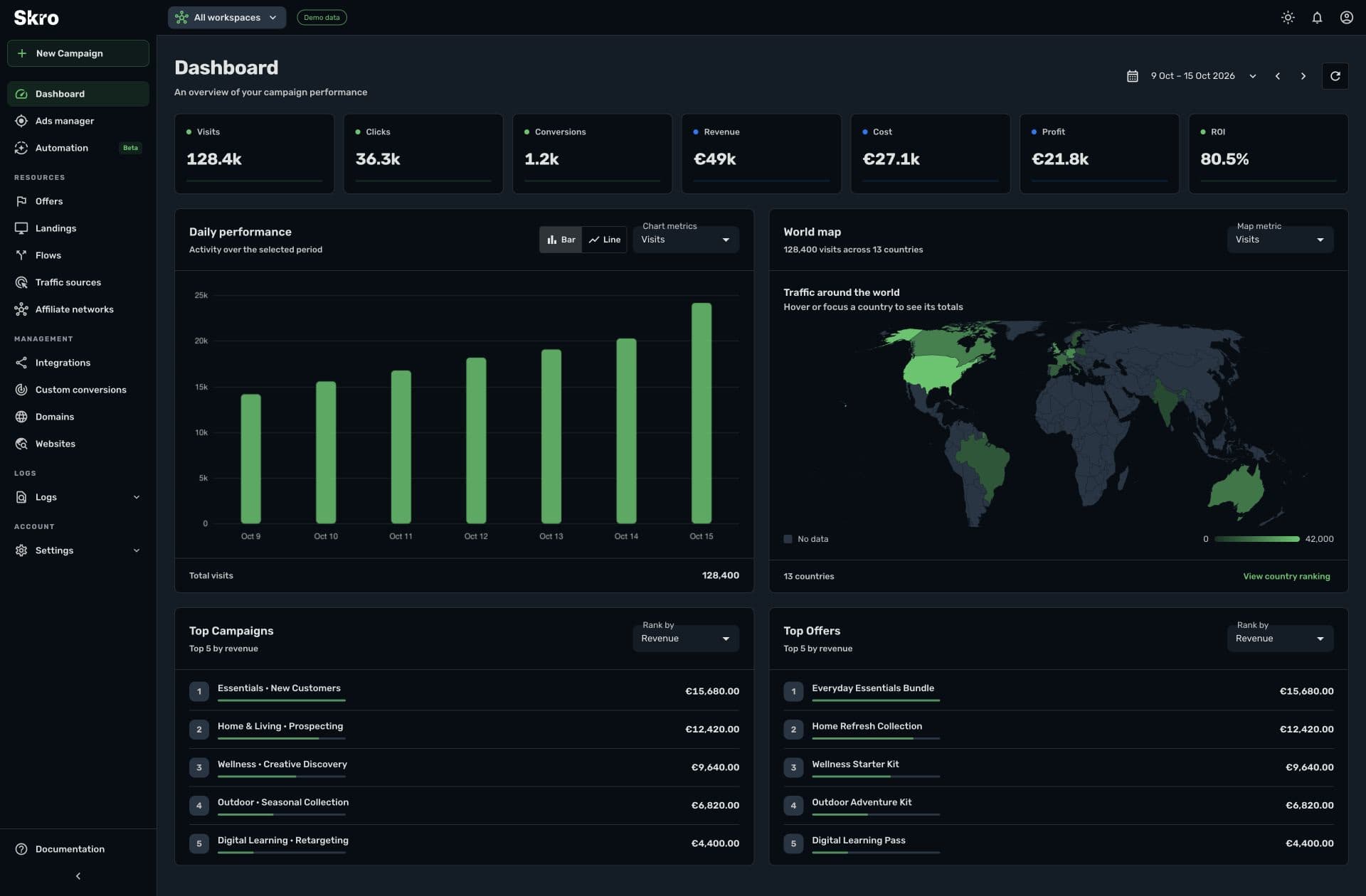
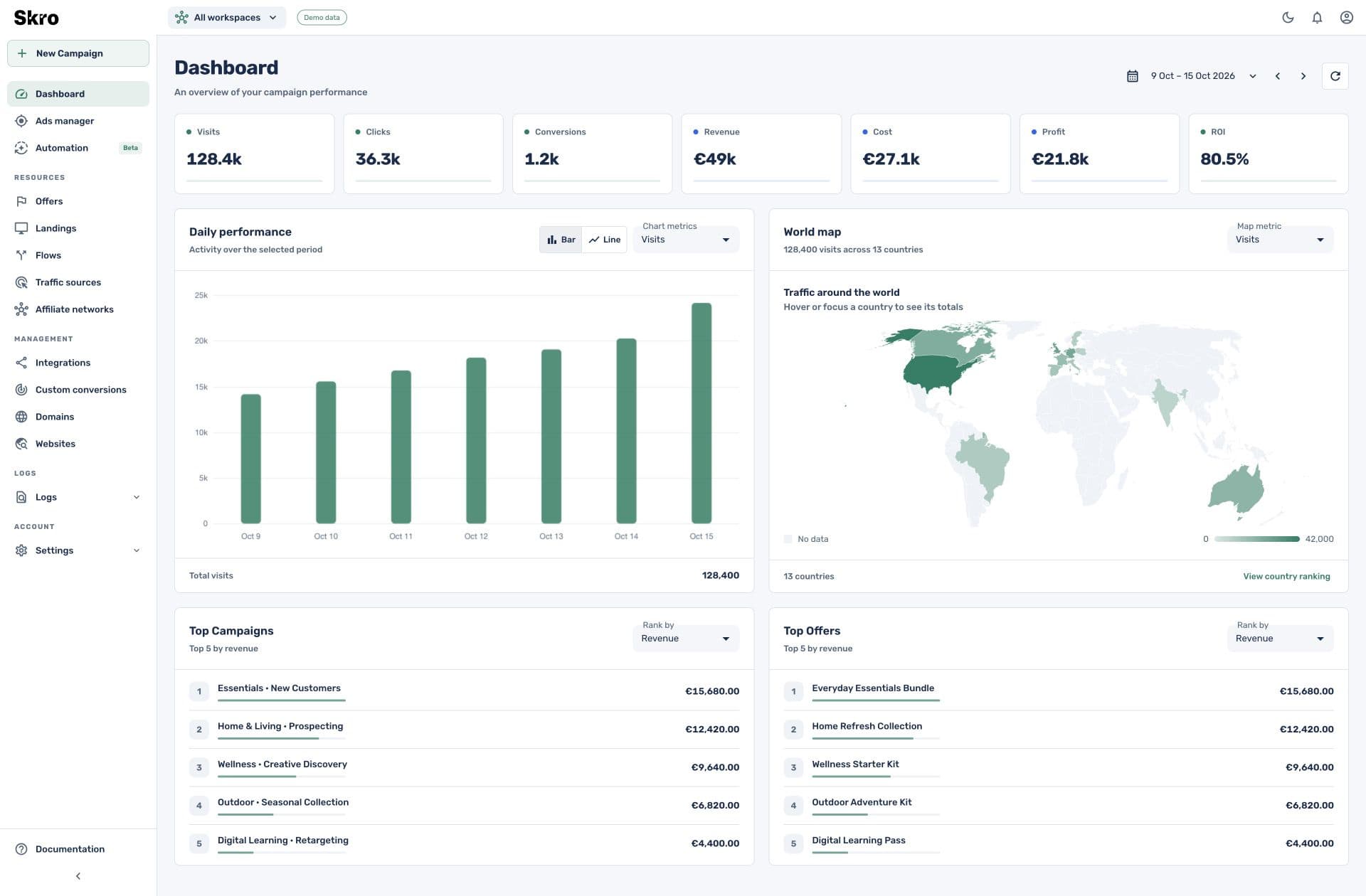
Sync revenue from your RSOC providers and bring it together with campaign costs in Skro. Compare performance across providers and traffic sources to see which campaigns are profitable.
Start with the Free plan. No credit card required.
- 8 documented RSOC integrations
- Provider revenue synchronization
- Campaign cost, profit & ROI
Connect with the tools in your workflow







Ad spend is only half the picture.
Your traffic sources report costs while your search providers report earnings. Revenue can also change after an initial postback. Bring those numbers into the same reporting workflow to understand campaign profitability as provider data is updated.
Sync revenue from your providers
Connect System1, Ads.com, Inuvo Prism, Airfind, ExplorAds, Predicto, Sedo, or Tonic. Use each provider’s integration to synchronize reported earnings and supported revenue adjustments.
Compare earnings with campaign costs
Review revenue alongside campaign spend, profit, and ROI. Compare offers and traffic sources using consistent date ranges and reporting currencies.
Connect the right reporting identifiers
Map the channel, campaign, brand, or offer identifier required by your provider. Track supported interaction events through postbacks alongside the revenue synchronization workflow.
Make campaign decisions with revenue in view.
Use Skro reports to compare acquisition cost with synchronized earnings. Group results by campaign, offer, and traffic source to investigate which parts of your search arbitrage operation are profitable.
- Provider earnings and campaign costs in one reporting workspace
- Revenue mapping using each provider’s supported identifiers
- Profit and ROI comparisons across campaigns and traffic sources
Connect your provider. Map revenue. Review profit.
- 01
Connect the RSOC provider
Choose your provider in Settings → Integrations and enter the credentials, account currency, and event settings described in its guide.
- 02
Map the offer identifiers
Match the provider’s channel, campaign, brand, or offer identifier to the corresponding Skro offer field. Configure supported postbacks for interaction events.
- 03
Verify revenue and compare results
After synchronization, compare Skro with your provider using the same date range and currency. Review campaign costs, revenue, and profit together.
Built to be set up.
Guides to get you there.
Follow the workflow for your platform, then test the full path before relying on campaign results.
Explore RSOC provider setup guides
Understand the campaign flow and choose your provider’s revenue-sync guide.
Set up custom conversion events
Separate supported interaction events and revenue in your reports.
Map postback parameters
Configure click IDs, event names, payouts, and currencies for supported callbacks.
What is RSOC?
RSOC stands for Related Search on Content. A visitor selects a related search term on a content page and reaches search results where relevant ads can appear. Skro connects campaign tracking with the revenue data returned by supported providers.
Which RSOC providers can I connect?
Skro has documented RSOC revenue-sync integrations for System1, Ads.com, Inuvo Prism, Airfind, ExplorAds, Predicto, Sedo, and Tonic. Select a provider logo above to open its setup guide.
Is synchronized revenue available for each individual click?
The reporting detail depends on your provider. Some integrations synchronize revenue using aggregate channel, campaign, brand, or offer identifiers. Click-level interaction postbacks and revenue synchronization are separate parts of the setup.
How often does revenue synchronize?
The synchronization schedule and the period covered by revenue updates depend on the integration. Follow your provider’s guide and allow for later adjustments when comparing reports.
Can I track search interactions separately from revenue?
Where your provider supports the required postbacks, use custom conversion events to separate search interactions and monetization events. Select the matching custom conversion event in the revenue-sync integration when required by its guide.
Bring RSOC revenue into your campaign decisions.
Connect your providers and see campaign costs, synchronized earnings, and profit together in Skro.